MagicSchool AI Review: Benefits, Limitations, and GPTZero Comparison
While MagicSchool AI helps teachers save time on classroom prep, GPTZero helps review student writing when questions about AI use arise.


Teachers are already stretched thin, with the Teacher Wellbeing Report reporting nearly two-thirds of teachers work almost an extra day each week due to workloads that are only getting heavier. This could explain why tools like MagicSchool AI (“MagicSchool”) have become popular, with MagicSchool saying 94% of its teacher users save over seven hours every week.
In this review, we’ll see where MagicSchool can save teachers time in creating classroom materials, and how it can work alongside GPTZero when questions about student authorship or originality come up.
By the end, you’ll know when MagicSchool is useful for saving prep time, exactly when teacher judgment still matters, and why GPTZero is the better tool for reviewing student work for possible AI use.
TL;DR
MagicSchool AI can be useful for saving teachers time on lesson planning, rubrics, feedback drafts, differentiation, and student AI activities. At the same time, it still needs to be reviewed carefully as like any other generative AI, it can sometimes come up with content that’s biased or plain wrong. Most notably, MagicSchool isn’t designed to be an AI detector, so it works best alongside GPTZero when educators need to review student writing when it comes to potential over-reliance on AI.
What is MagicSchool AI?
MagicSchool is an AI platform that has become widely used among educators, including those in the GPTZero community. It mainly serves as an assistive tool for grading and generating student feedback. Although it doesn’t have AI detection capabilities, teachers find it valuable for streamlining the feedback process for their students.
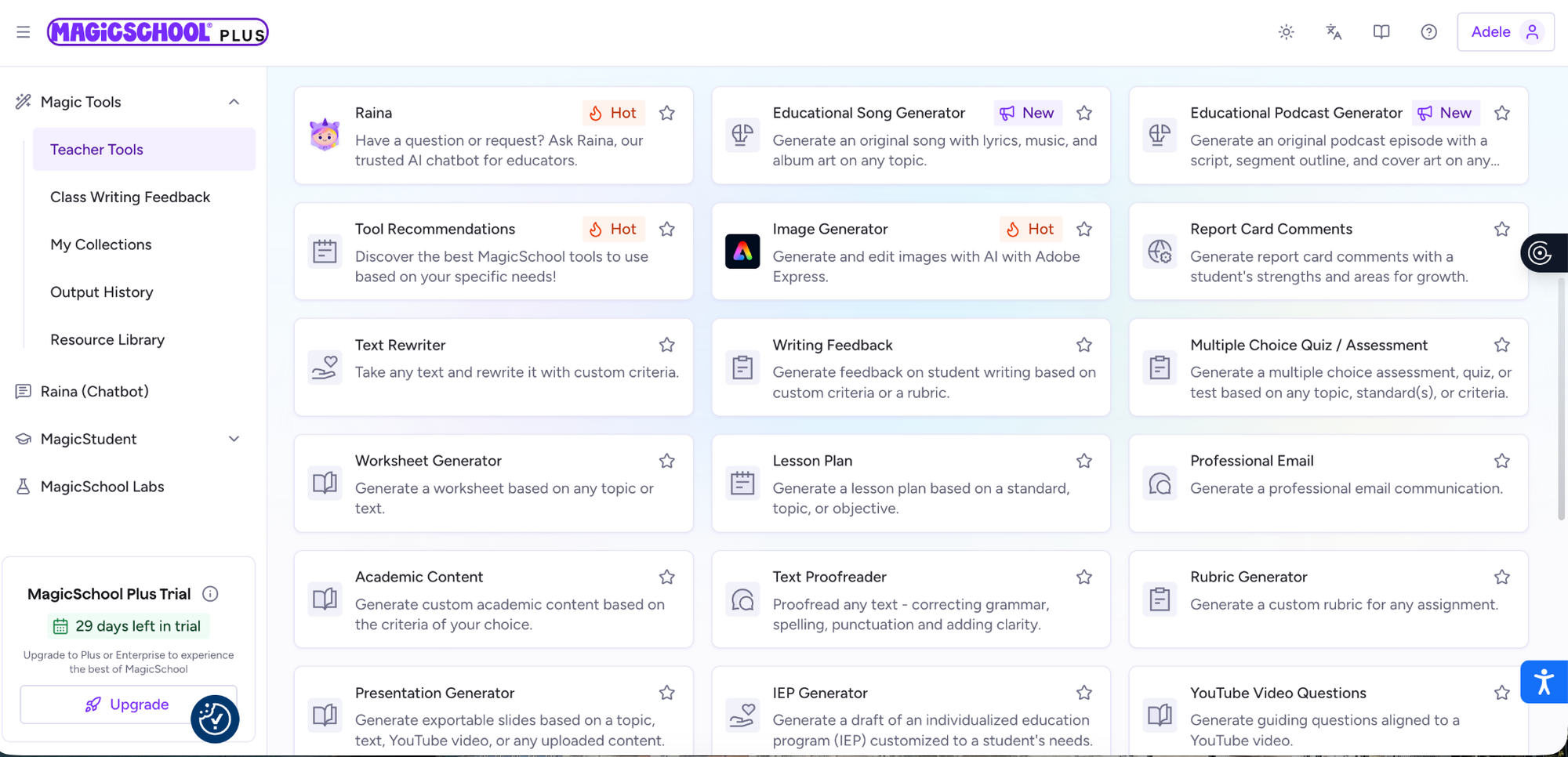
MagicSchool also offers a large library of tools, with these being the most popular ones for teachers:
- Worksheet Generator: Create worksheets that adapt to different levels, learning styles, and instructional goals.
- Presentation Generator: Turn any topic, text, or video into a ready-to-use presentation, with no extra prep required.
- Multiple Choice Quiz Maker: Create quizzes and assessments tailored to your topic, standards, and students.
- Rubric Maker: Create clear, customizable rubrics so you can focus on feedback that helps students grow.
- Academic Content: Generate original academic content customized to the criteria of your choice.
- Lesson Plan: Build a lesson plan for any topic so you can spend more time teaching and less time planning.
There are also 50+ AI literacy-building tools for students, which they can access in Rooms that teachers create for them. As for integrations, MagicSchool works with Google Docs, Google Classroom, Canvas, and other platforms teachers commonly use.
Benefits and Limitations of MagicSchool
Benefits of MagicSchool
Perhaps the most commonly cited benefit of MagicSchool is its time-saving ability and its flexibility as a drafting and planning assistant.
“I love that it is easy to generate grade-appropriate assignments without having to provide extra information or continually asking the AI tool to make little changes. I also like that this is a time saver, especially when generating a rubric,” says Russ Nielsen, a teacher at Archbishop M.C. O’Neill.
Specifically, MagicSchool can be particularly useful for speeding up part of a process, while still leaving room for the teacher to apply their own personal judgment:
Limitations of MagicSchool
Just as with all generative AI, Magic School AI can create facts that sound very confident but are in fact inaccurate, or, as the University of Cincinnati puts it, is “biased or incorrect content”. This is why teachers are encouraged to review quizzes, lesson plans, and content before sharing them with students.
There is also a risk that because it is so seamless, teachers can end up using it a little too much. As Marilee Coles-Ritchie, PhD, explains, “Teachers and students risk becoming overly dependent on AI tools, which could reduce face-to-face communication and real-world interaction. Language acquisition thrives on human interaction, and relying too much on AI may weaken the social aspects of language learning.”
This is something Russ Nielsen also shares in his Magic School review: “I think what we need to be aware of is having AI do the work for students and teachers. I think that it is important that teachers don’t just rely on AI, as that can take the creativity and fun out of lessons.”
How GPTZero and MagicSchool Work Well Together
However, if AI is an inevitable part of the future, then it is worth looking at how certain tools can work well together. While MagicSchool can reduce the friction of daily life for teachers in the learning process, GPTZero can help teachers review student writing when there are questions about AI use.
GPTZero can help teachers check essays for AI and review sentence-level highlights through its AI detection tool, so they are not relying on instinct alone when something feels like it’s not quite right. As we’ve said many times before, a high AI detection score is not definitive proof, just as a low score is not an automatic pass. However, we know our tool can help teachers objectively review the evidence and then decide whether the work needs a closer look.
Educators can also use Writing Replay to better understand how a document was written, or to help a student have some proof as to how their work came together.
How teachers in the GPTZero community use MagicSchool
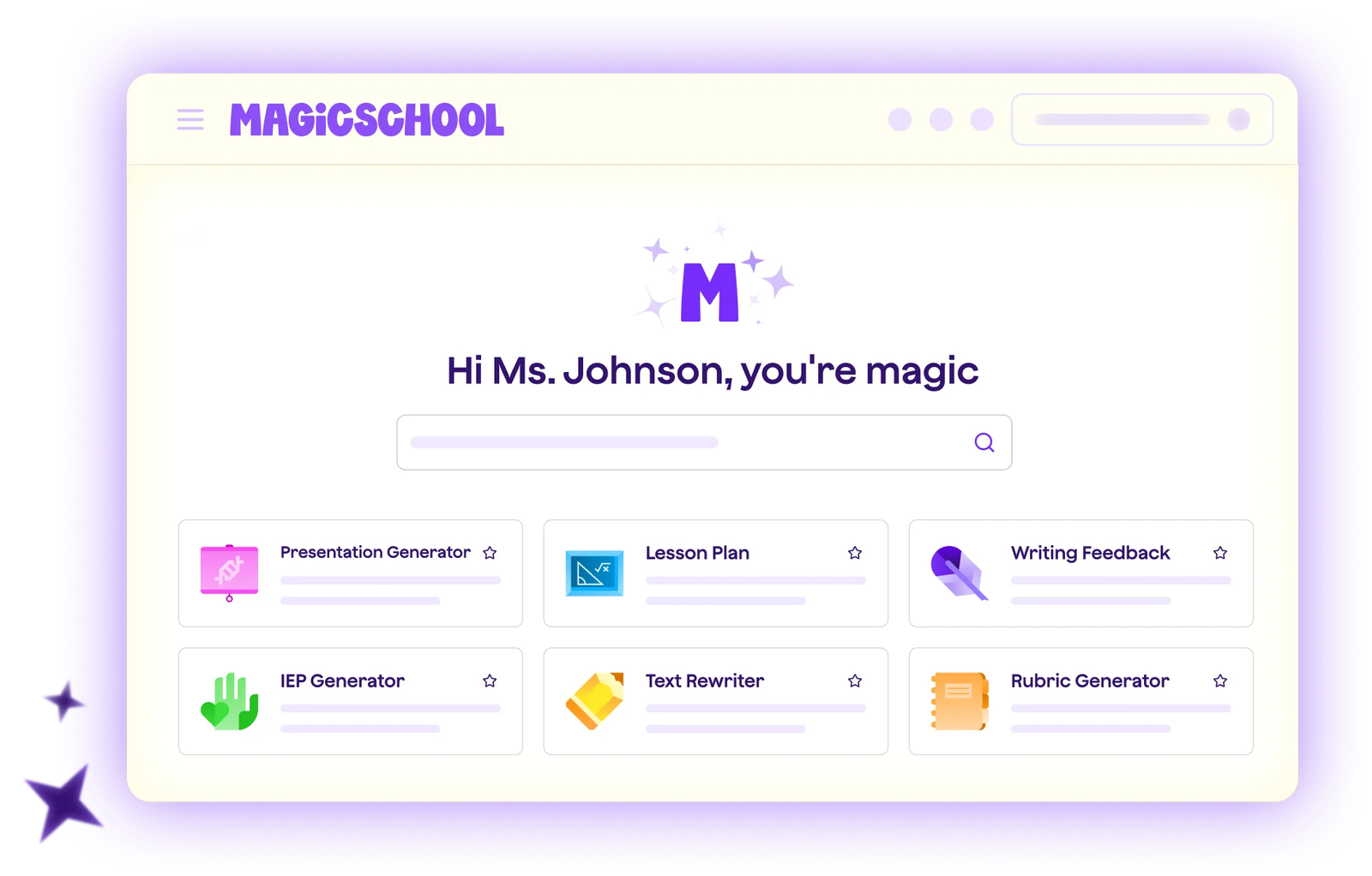
According to our conversations in the GPTZero community, this is an overview of the experience that educators have had when using MagicSchool:
Custom chatbots and rubric integration: School districts tend to invest in Magic School as it allows teachers to build custom AI chatbots tailored to specific assignments. This means teachers can upload their exact rubrics and training documents, which allow them to anchor papers into the system, making the tool's automated scoring and feedback very accurate.
Setting academic boundaries: Educators appreciate that Magic School allows them to program specific constraints into the chatbots. This means that for example, a teacher can tell the AI to only give feedback on how to rewrite a sentence, and forbid it from creating or rewriting the text for the student. This means students are receiving guidance but the AI isn’t doing any heavy lifting.
Lack of prompt logging: Teachers have told us that while Magic School gives a summary of how the AI assessed the student's request, it doesn’t give a detailed enough log of the specific prompts students have typed. Teachers have said that seeing a record of exactly what students asked the chatbot would be a really useful feature, as this would give them more visibility into their learning and drafting process.
MagicSchool vs GPTZero
MagicSchool and GPTZero aren’t competitors as they’re focused on different points in the education workflow.
While MagicSchool could be seen as the support layer for generating classroom materials, GPTZero is the review layer that helps educators examine authorship signals when student work needs a closer look. Both sides of the education conversation are important.
GPTZero helps educators review writing for AI signals through document-level classification, sentence-level highlights, and Writing Replay, so detection can support a broader conversation rather than replace teacher judgment.
Pros and cons of MagicSchool AI: At a Glance
Here’s a quick look at the pros and cons of MagicSchool.
MagicSchool can help teachers save time on classroom prep, while GPTZero helps protect transparency when student authorship questions come up. Try GPTZero’s AI detector to review student writing with more context.
Conclusion
While MagicSchool can be very useful for planning, rubrics, differentiation, feedback drafts, and structured student AI activities, it isn’t an academic integrity solution. It helps with classroom design but it isn’t what you would use if you suspect a student is overly reliant on AI.
For that, teachers need a different kind of tool that is specifically designed to explore authorship questions, which is where GPTZero comes in. When used together, MagicSchool and GPTZero are a great example of using human judgment to guide the fundamental aspects of the learning process, while using AI to save time, and detection tools to protect academic integrity along the way.
FAQ
Is MagicSchool AI an AI detector?
No. Since MagicSchool is not an AI detector, we don’t see it as a competitor to GPTZero, but instead as a complementary tool. MagicSchool is primarily a tool that helps teachers with lesson planning, grading support, rubric creation, student feedback, worksheets, presentations, quizzes, and academic content. GPTZero, on the other hand, helps teachers review student writing when there are questions about AI use.
How do MagicSchool AI and GPTZero work together?
MagicSchool can reduce the friction of daily life for teachers by helping with planning and feedback, while GPTZero can help teachers check essays for AI and review sentence-level highlights through its AI detection tool. GPTZero can give teachers objective evidence to review, and this can help them decide if the student’s work needs a closer look.
What are the main limitations of MagicSchool AI?
Just as with all generative AI, MagicSchool AI can come up with content that sounds very confident but is inaccurate or biased. Also, as it is so seamless, there is a risk that teachers could end up using it a little too much and become over-reliant on it as a tool.